A-PROP

A-PROP

$350.00

plus $175.00 annually

A-PROP is available for $350.00 with an additional $175.00 annual fee for continued access and updates. To purchase the software, users are required to either log in to their existing account or register a new account. Once registered, the purchase process can be completed quickly, allowing users to access the software and its features without delay.

In order to purchase software, you must either login, or register a new account.
Overview

Section Properties made easy...

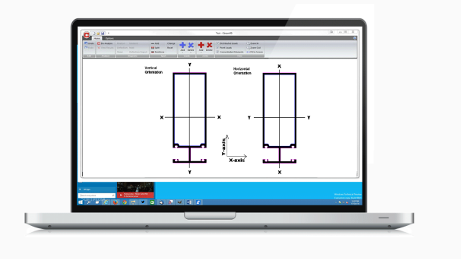
Aprop is an AutoCAD Lisp* program which calculates the structural section properties and extrusion information utilizing an integration of area method about lines and arcs of a given shape. The utilization of this method provides a level of accuracy not found in similar programs and instantaneous results. Aprop can accommodate solid or hollow shapes and is unique in providing options for utilizing steel or aluminum, assemble or composite addition of different members. *AutoCAD LT is not compatible with Aprop

Guidelines

Shape Guidelines

The shapes being analyzed need to be closed polyline entities (including circle and ellipse) so that the area can be calculated. The shapes need to be 2D profiles; therefore, AutoCAD regions are not usable by the current version of the APROP software.

Likewise, the shapes being analyzed cannot be AutoCAD blocks or groups. They must be exploded or reduced to single entities before selection and calculation.

After selecting a shape, all calculations are made based upon current setting of the drawing. In the current version of APROP, shapes are assumed to be drawn in English units, but you have the option to output in either English units or metric units, or both.

Advanced Features

Key Features

An interactive, AutoCAD-compatible tool for structural analysis with customizable material properties and flexible unit outputs.

Coming Soon!

Features

New features will include mirror image property generation, torsional J constants for shapes, and plastic Zxx section modulus calculations.

APROP Method

Section Properties Calculation Using APROP in AutoCAD

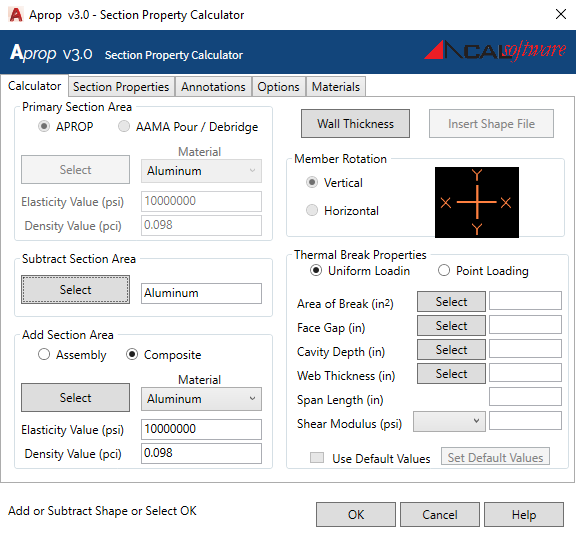
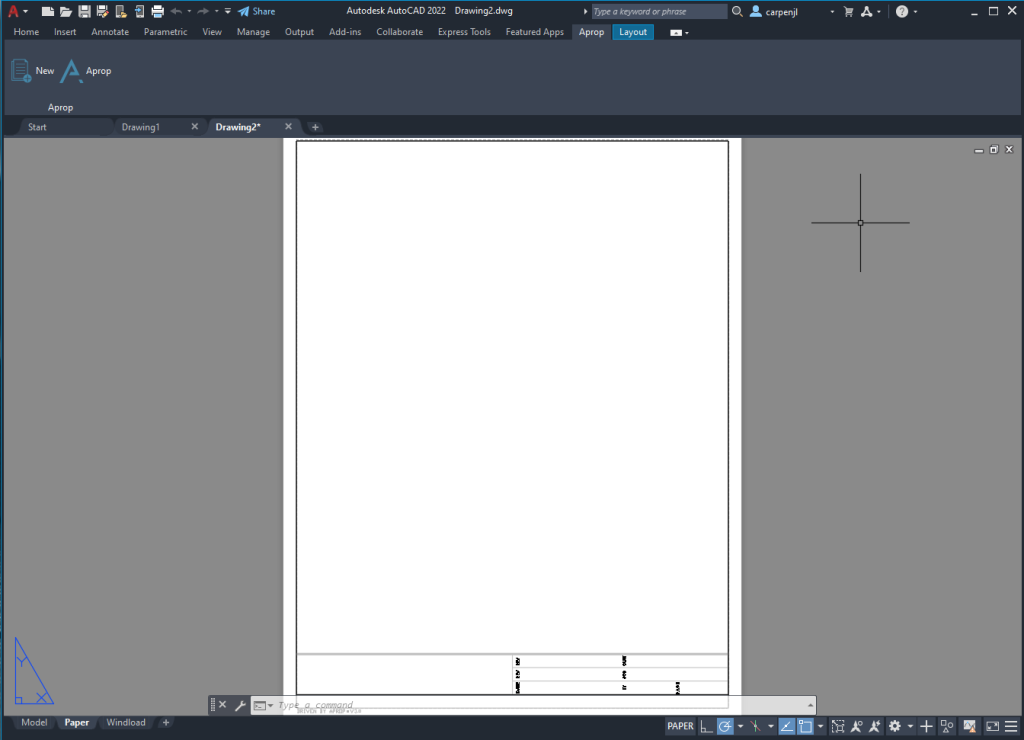
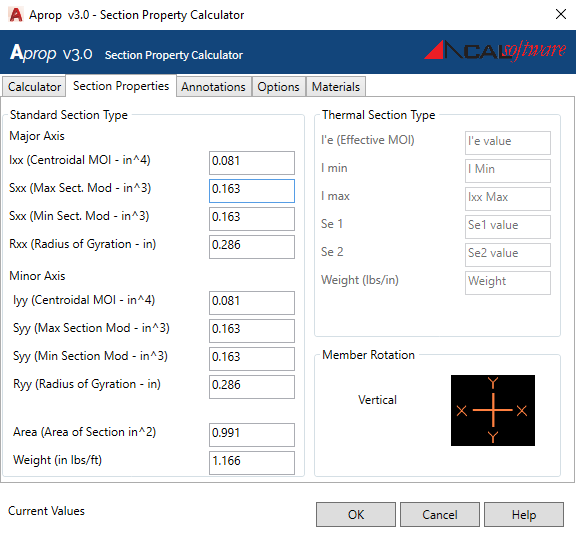
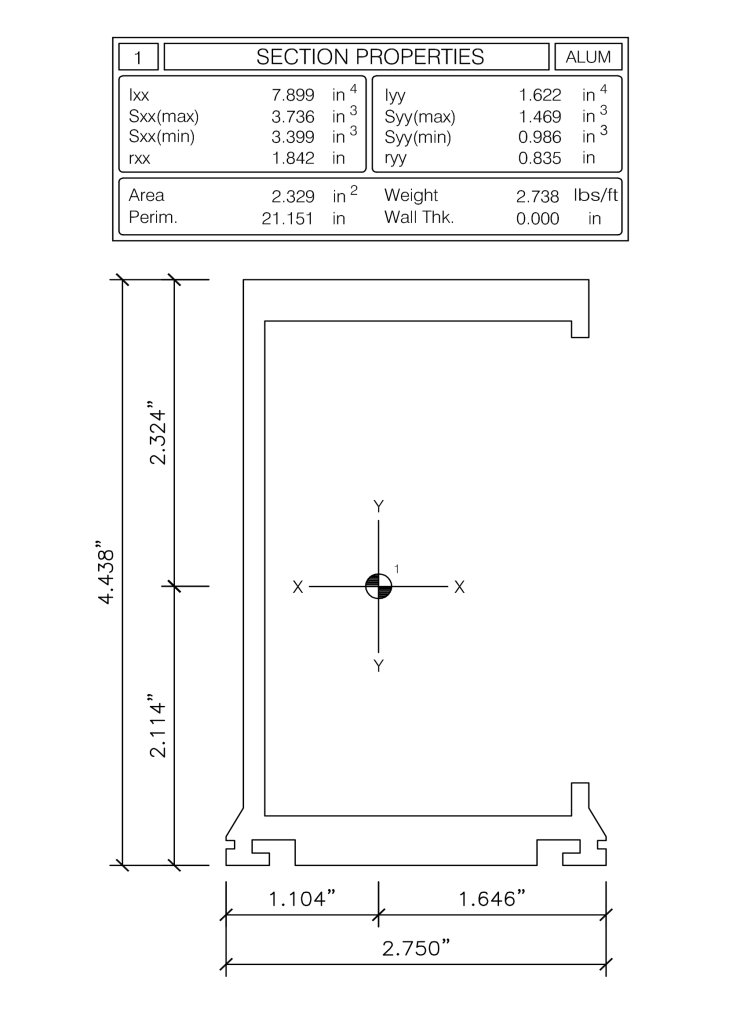
In AutoCAD, section properties can be calculated using the APROP calculator with the APROP.dwt template, which sets up required layers and styles. After selecting a shape, the Section Properties tab shows calculated values, and the final output is added to the drawing when you press OK.

From the Command Line (keyboard)

From the Autodesk Ribbon (toolbar)

Sectional Properties Display

Output & Concluding the Calculation Run

Data Editing

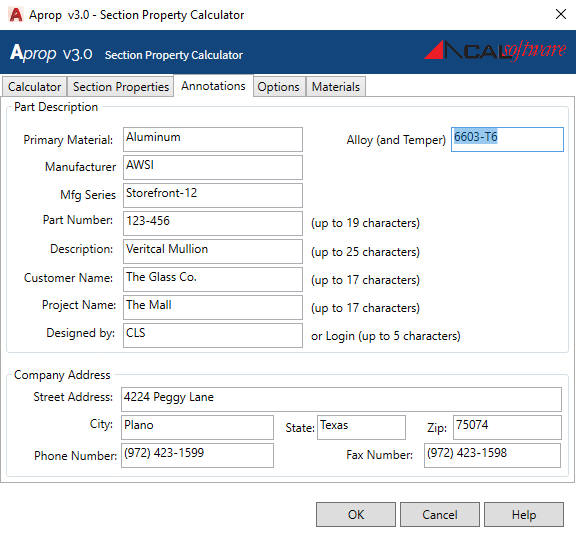
Annotations Tab

Output Settings

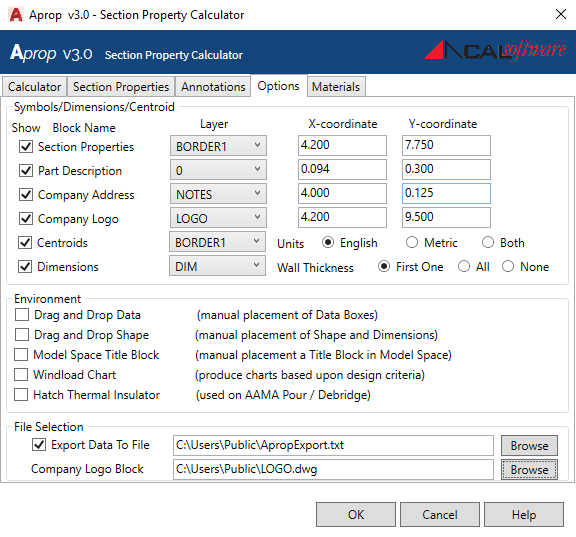
Options Tab

The tab labeled “Options” provides the space to declare options that will modify the output of the APROP Calculation run.

Symbols and Placement

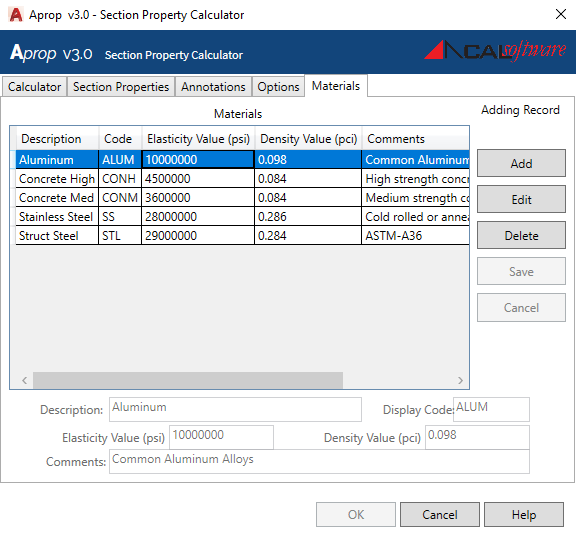
Material Management

Materials Tab

Update Feature

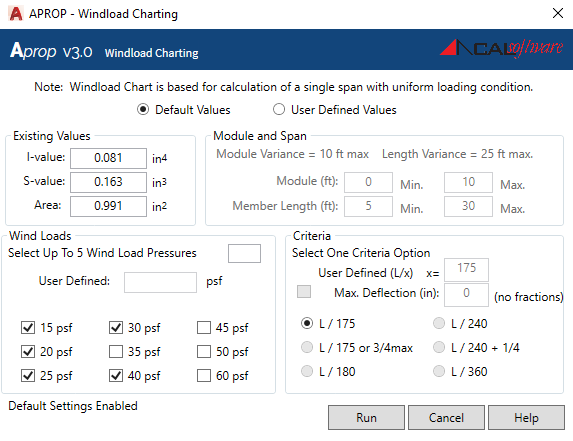
Wind Load Charting